Plan
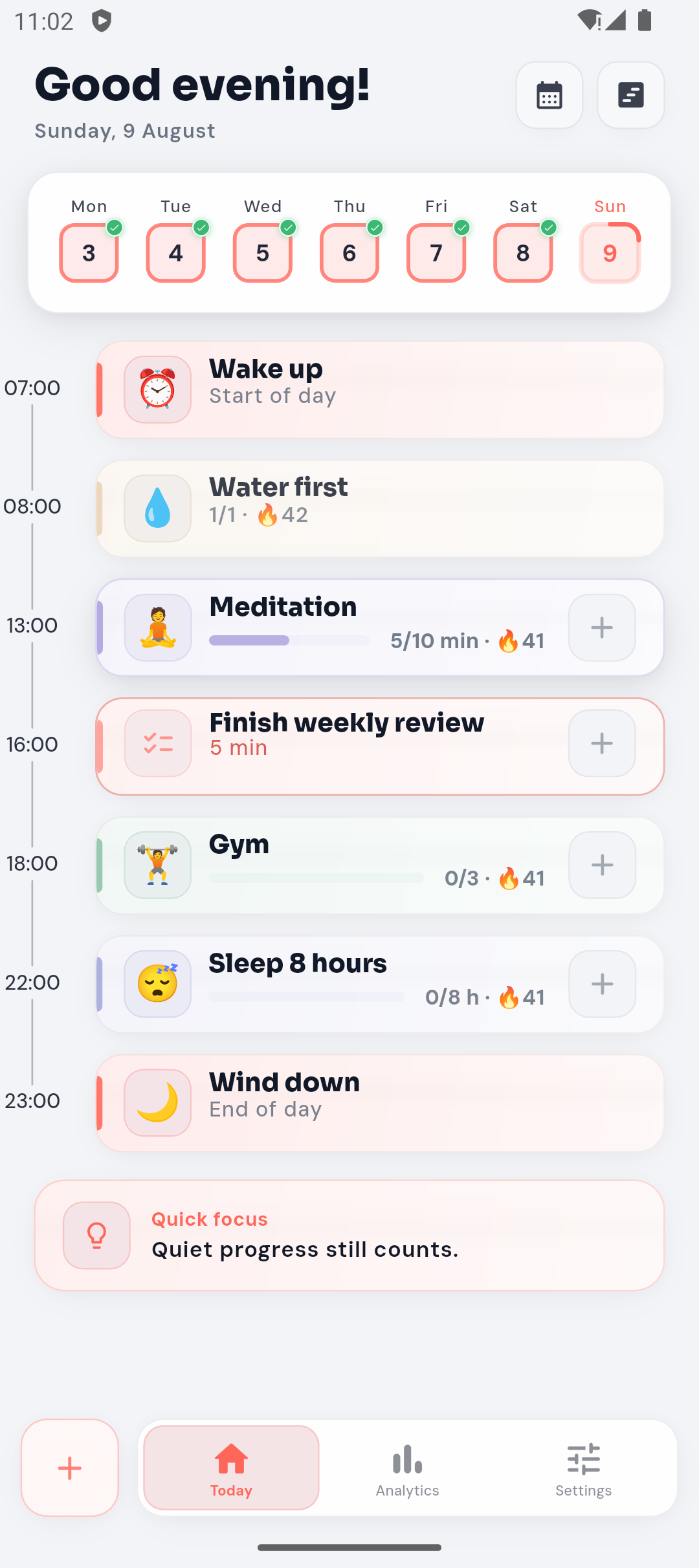
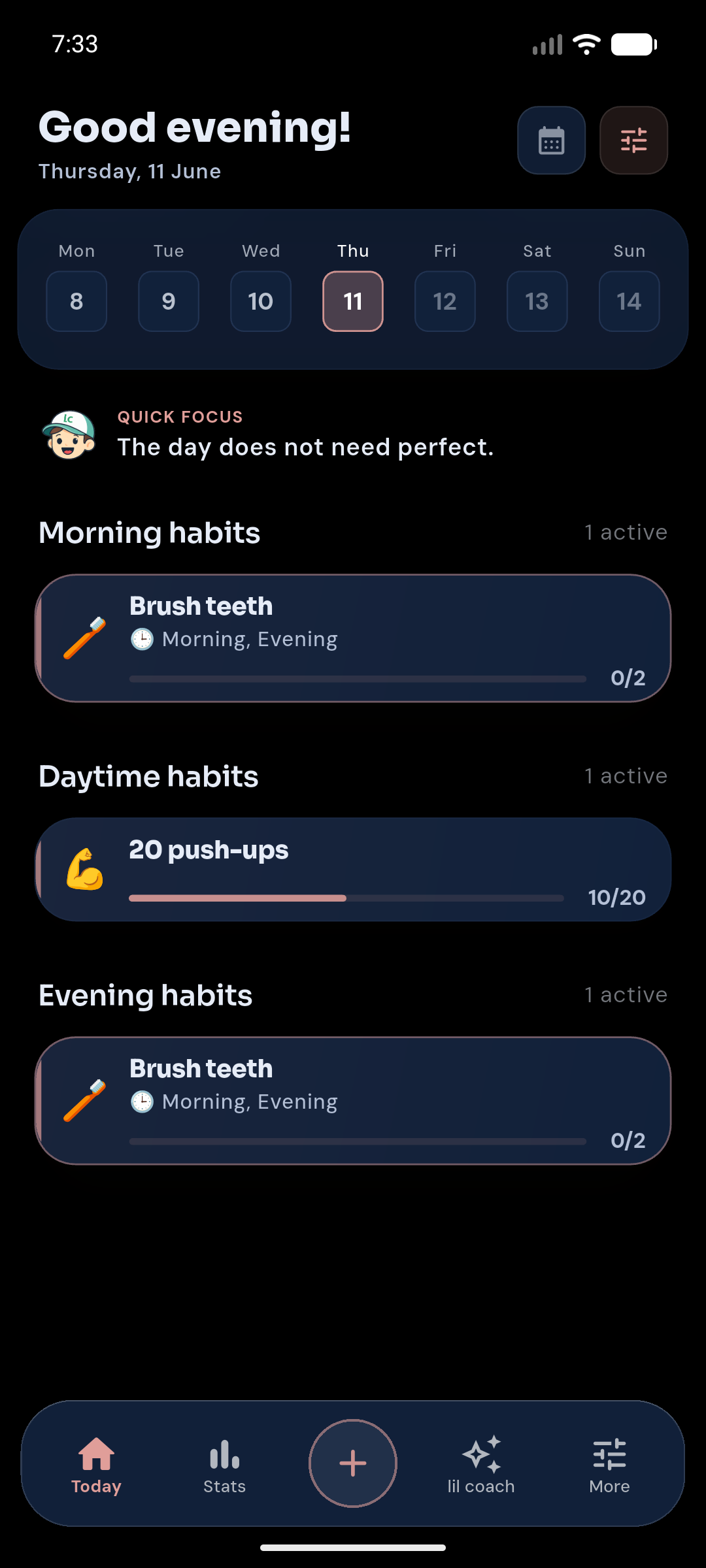
Know what matters today.Bring habits, tasks, focus blocks, breaks, and routines into one calm daily plan.
PLAN · ADAPT · RECOVER · LEARN
Build habits, plan realistic days, recover when life changes, and learn what actually works for you.


A rhythm for real life
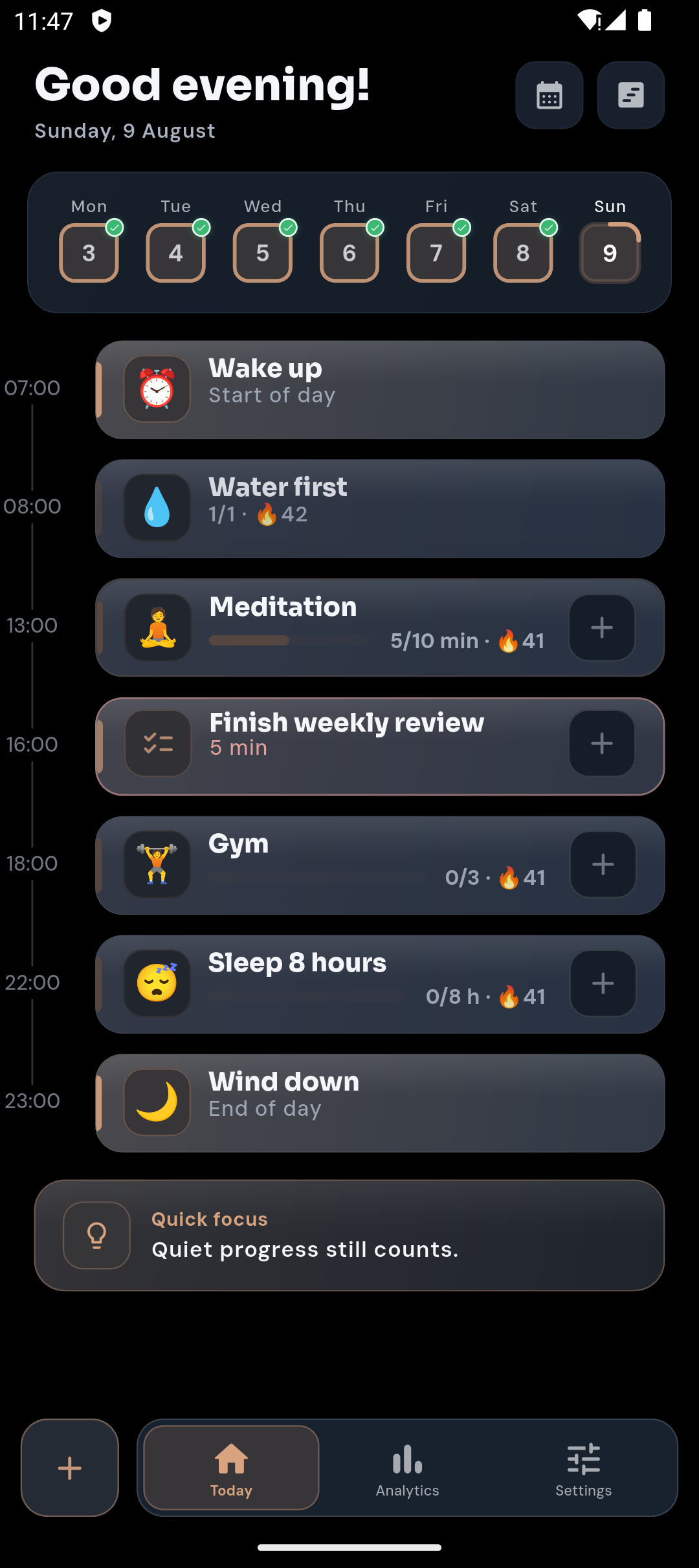
LilCoach brings the things you want to repeat and the things you need to do today into one system you can adjust as life changes.
Bring habits, tasks, focus blocks, breaks, and routines into one calm daily plan.
Move a flexible item or make a temporary adjustment without rebuilding your whole routine.
Choose a smaller next step and return gradually instead of treating a gap as a restart.
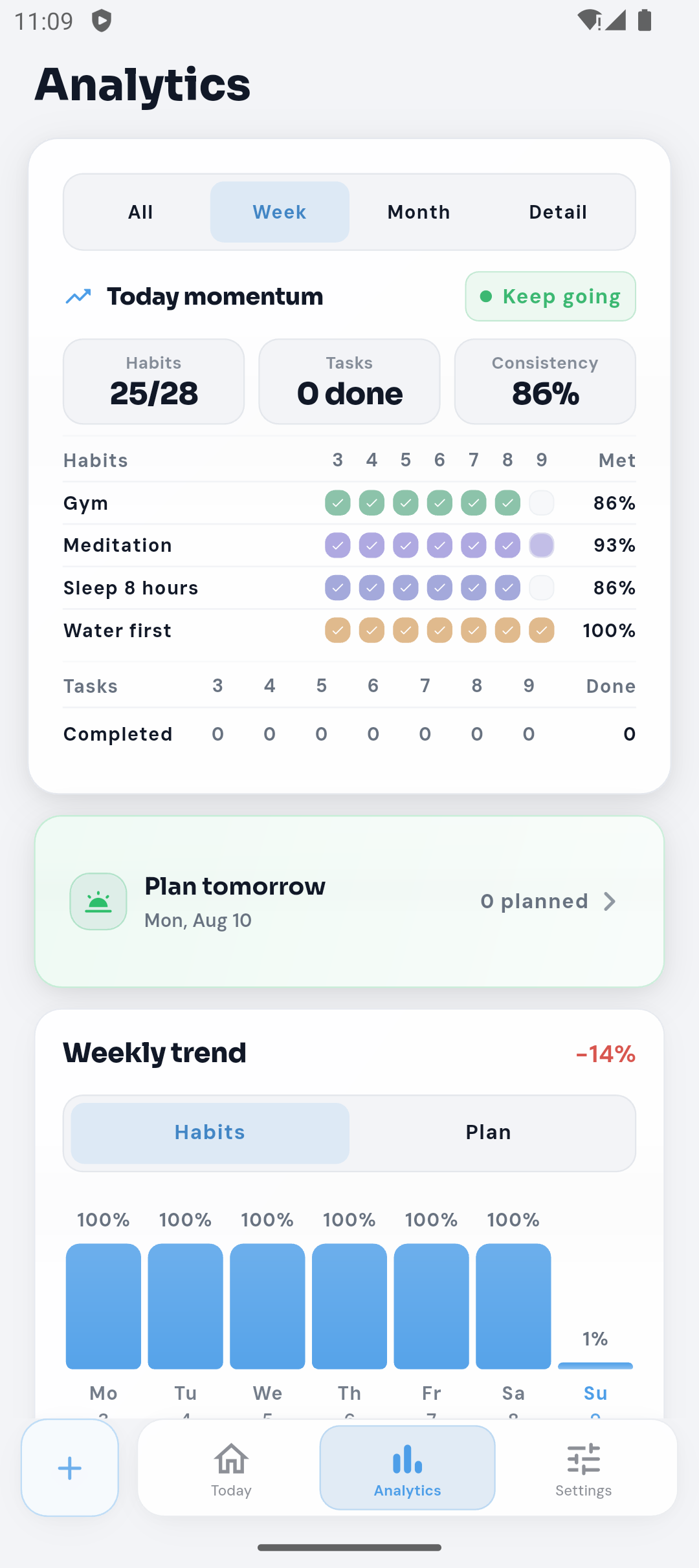
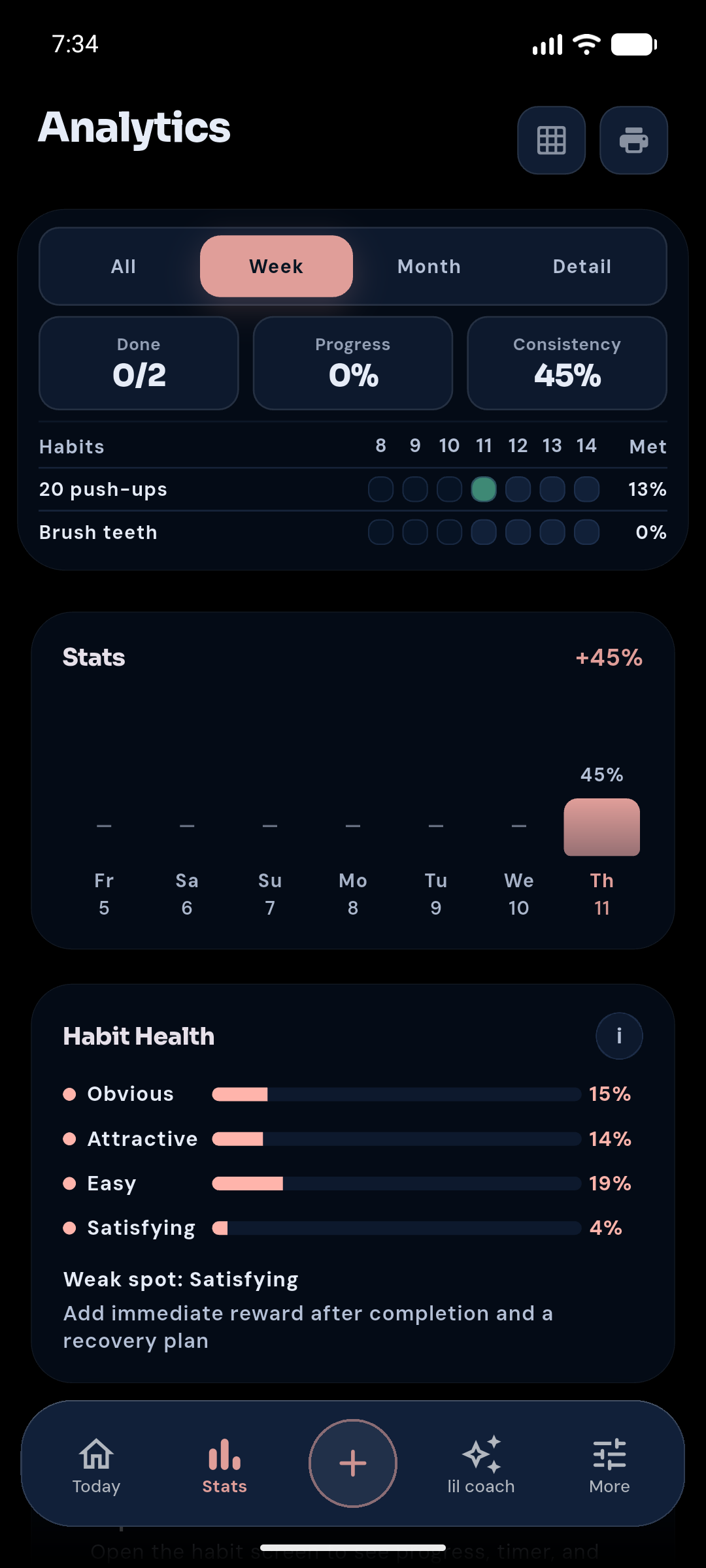
Use consistency and planning patterns as evidence for your next decision, not as a score.
MAKE TODAY REALISTIC
When the day gets full, move flexible tasks, lighten a temporary target, and keep the rest of your routine intact. Review each adjustment before it is applied.
Explore realistic planningExample only — your plan stays yours.
ONE CLEAR NEXT STEP
Plus can offer an optional, on-device suggestion when planner signals point to a practical adjustment. Review what would change and confirm it first; Free shows a static feature preview.
How the habit coach worksPlanner signals show what may need attention.
One practical, reversible next step.
You review it before anything changes.
RECOVER, DON'T RESTART
Make a habit easier for a while, move one occurrence, or begin with a small action. LilCoach gives you practical ways back into your rhythm without guilt.
See how recovery worksPROGRESS WITH CONTEXT
Look at consistency and planning patterns together. Plus can surface optional, on-device suggestions from your planner signals; you review and confirm any proposed change.
Explore progress
HABITS + YOUR DAY
Keep recurring habits alongside tasks, focus blocks, breaks, and calendar anchors. Start from Today, then adjust the plan as the day unfolds.
See the productA rhythm for real life
LilCoach brings the things you want to repeat and the things you need to do today into one system you can adjust as life changes.
HABITS + YOUR DAY
Keep recurring habits alongside tasks, focus blocks, breaks, and calendar anchors. Start from Today, then adjust the plan as the day unfolds.
START WITH STRUCTURE
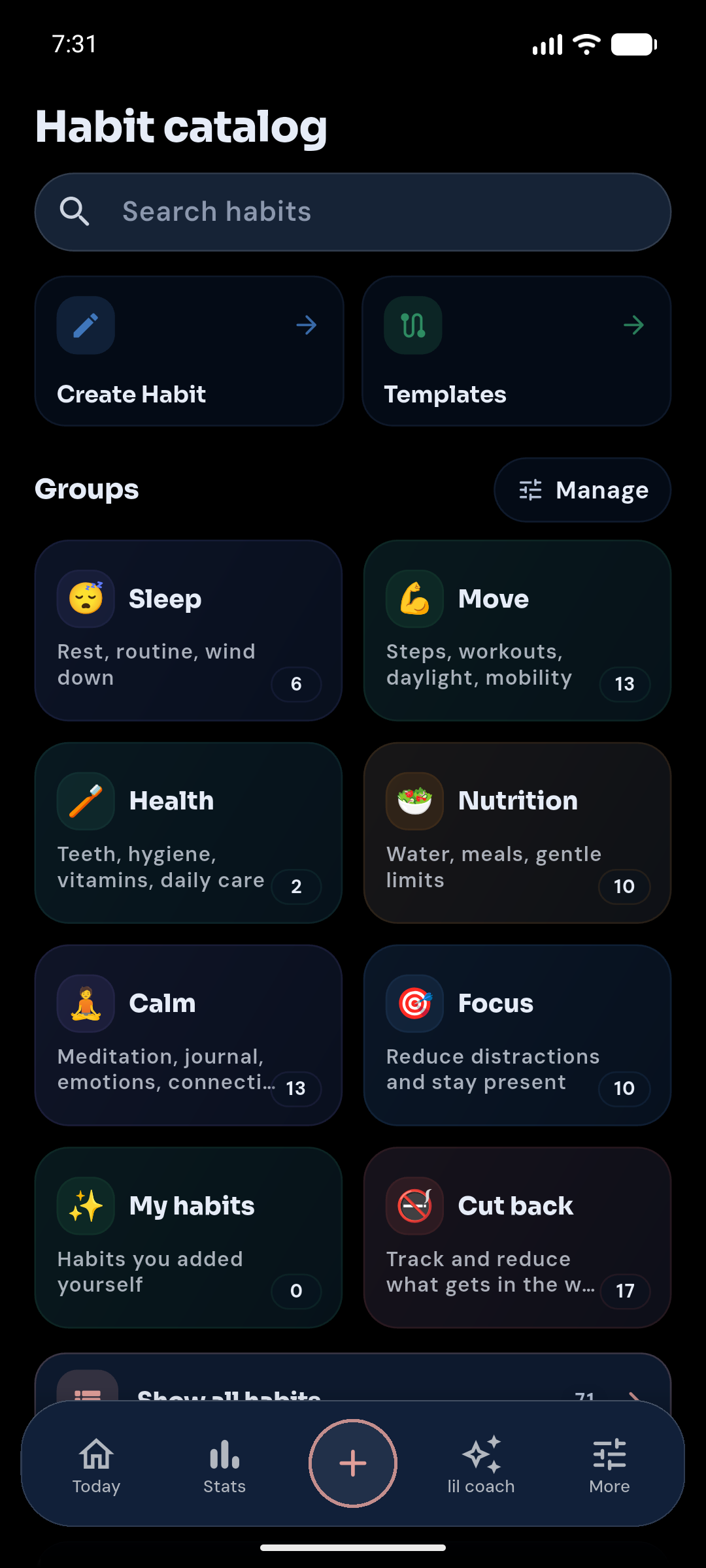
Use routines, templates, and Guided Programs as a starting point. Keep what fits, change what doesn't, and create your own when you are ready.
PROGRESS WITH CONTEXT
Look at consistency and planning patterns together. Plus can surface optional, on-device suggestions from your planner signals; you review and confirm any proposed change.
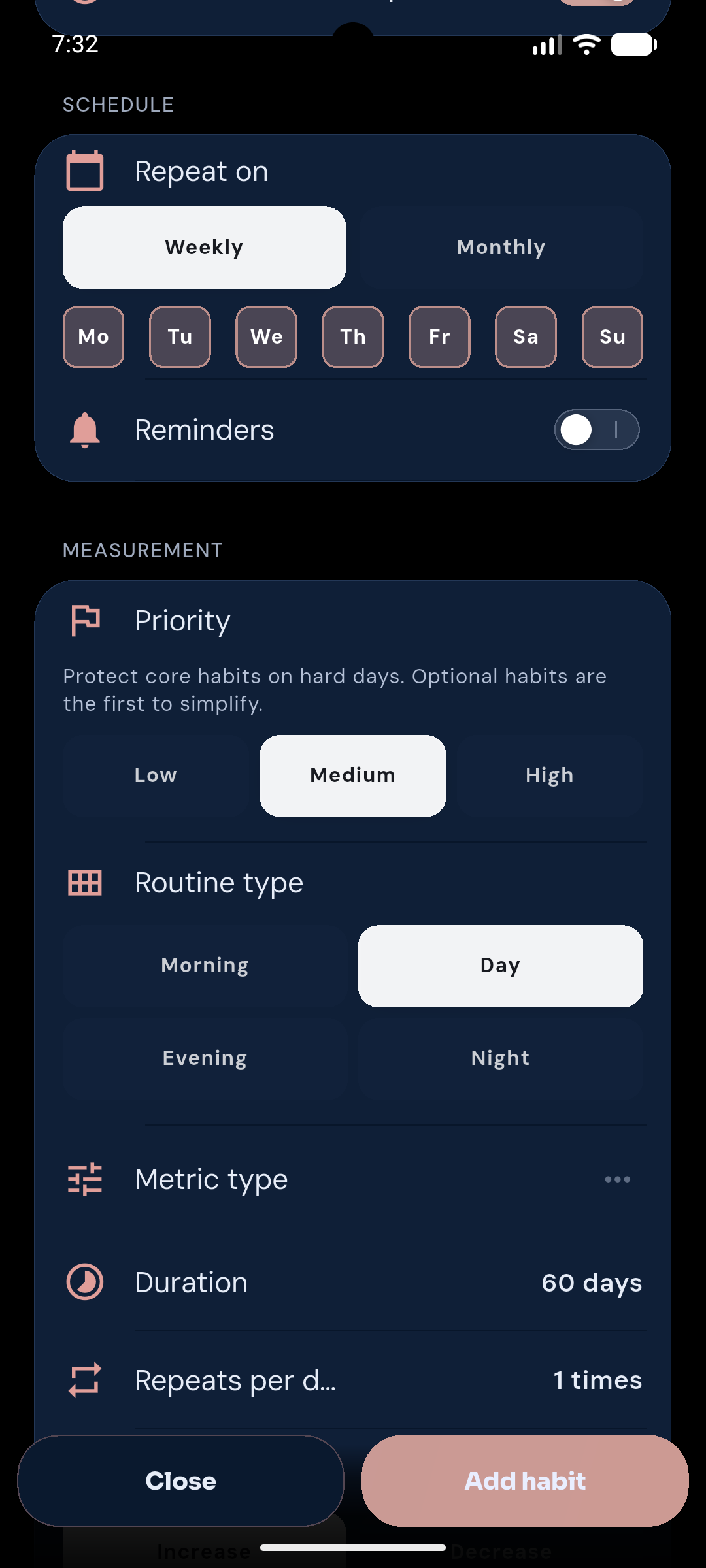
ONE CLEAR NEXT STEP
Plus can offer an optional, on-device suggestion when planner signals point to a practical adjustment. Review what would change and confirm it first; Free shows a static feature preview.
START WITH STRUCTURE
Use routines, templates, and Guided Programs as a starting point. Keep what fits, change what doesn't, and create your own when you are ready.
Browse routinesMOTIVATION WITH PURPOSE
Choose habits and tasks to contribute toward one meaningful reward. Track progress together without turning everyday actions into a game.
Explore shared rewardsIllustrative setup
YOU DECIDE WHAT CHANGES
LilCoach keeps you in control. Suggestions are optional, important adjustments are shown for review, and nothing changes until you confirm it.
FREE + PLUS
The free app gives you room to build a steady routine. Plus adds more history and tools to understand and adapt it.
Start with daily planning and routines.
Add longer progress history, local Coach guidance, sync, and health import.
Android available · iPhone coming soon
THE LILCOACH JOURNAL
Short, practical guides about missed habits, realistic planning, and changing a routine when your week changes.
FAQ
LilCoach connects recurring habits with your daily plan, recovery tools, and progress history. It helps you decide what to adjust when the original plan stops fitting.
No. Suggested changes stay optional. You can review a proposed adjustment and confirm it before it is applied.
Plus can use deterministic, on-device suggestions based on planner signals. The free version shows a static preview. LilCoach does not offer an open-ended AI chat in the current public release.
LilCoach
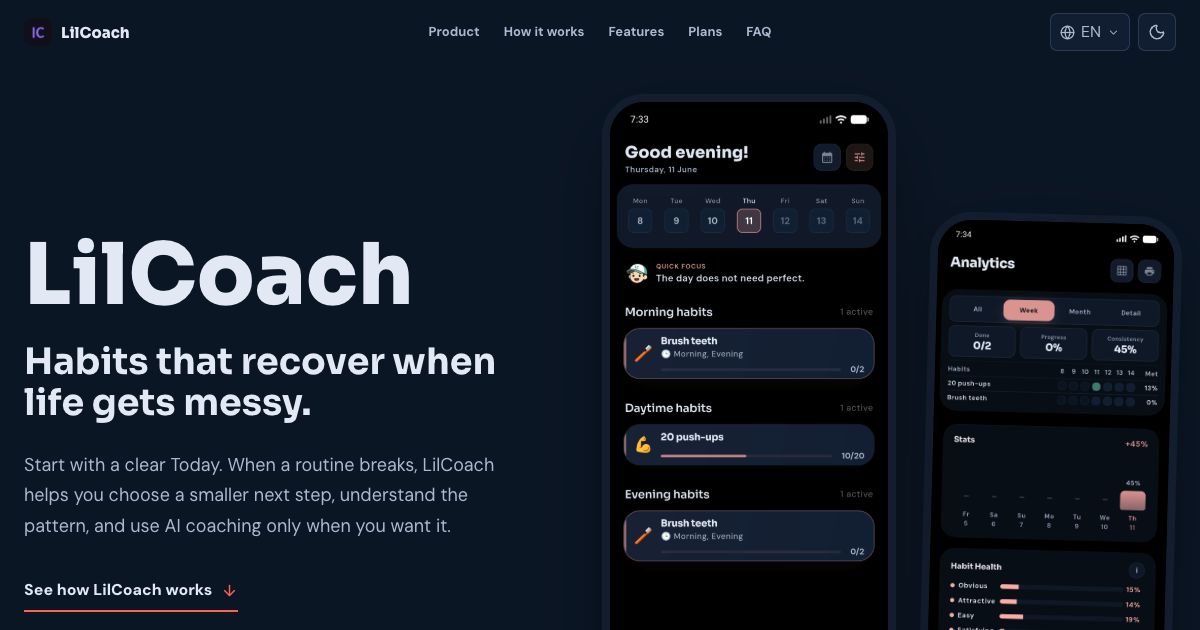
Start with one useful step today. LilCoach is available on Android; iPhone availability will be added when it is public.